How to Check Your EBT Balance (App, Phone, Online — By State)
Short Answer You can check your EBT balance four ways: in an official app, by phone, through an online cardholder portal, or from your last store receipt. The fastest route for most people is the number printed on the back of your own EBT card. That number reaches your state’s card service, which can read…
On this page
Short Answer
You can check your EBT balance four ways: in an official app, by phone, through an online cardholder portal, or from your last store receipt.
The fastest route for most people is the number printed on the back of your own EBT card.
That number reaches your state’s card service, which can read your food balance and, where you have one, your cash balance.
If you prefer a screen, use your state’s official app or cardholder portal — never a lookalike app that asks for your card details.
Your balance is the amount left to spend right now, not your monthly award and not money already spent.
This guide is unofficial. We explain the official routes; we never ask for your card number or PIN, and this page has no sign-in form.
Sources & last checked: USDA Food and Nutrition Service (FNS) SNAP State Directory of Resources and Facts About SNAP; California Department of Social Services EBT Card page; Mississippi Department of Human Services EBT Card page; Florida Department of Children and Families EBT page. Last checked October 29, 2026.
Checked against USDA Food and Nutrition Service (FNS) and official state agency sources. Payment windows are general schedules — your exact date depends on your case. Confirm in your official state portal.
Check Your Balance In The App
Many states now offer an official cardholder app, and it is often the easiest way to check a balance on the go.
In California, that app is ebtEDGE, run by Fidelity National Information Services (FIS) for the California Department of Social Services.
The same login also works on the ebtEDGE cardholder portal, so you can check on a phone or a computer.
To start, you need your EBT card number, and you then create a user ID and password for the account.
Once you are in, the account summary shows your available food and cash benefits, plus your recent transactions.
California’s ebtEDGE page lists PIN resets, a benefit schedule, the last 365 days of transactions, and replacement card orders.
It also lets you freeze and unfreeze a card, and block out-of-state or internet transactions where your state supports those controls.
One California caution matters: CDSS says the newer app listed as “ebtEDGE NEW!” is not yet supported in California.
If you live there, use the original state-supported ebtEDGE app, and ignore any copy that asks for payment.
Always start from your state agency’s own page, and download only the app that agency names.
Check Your Balance By Phone
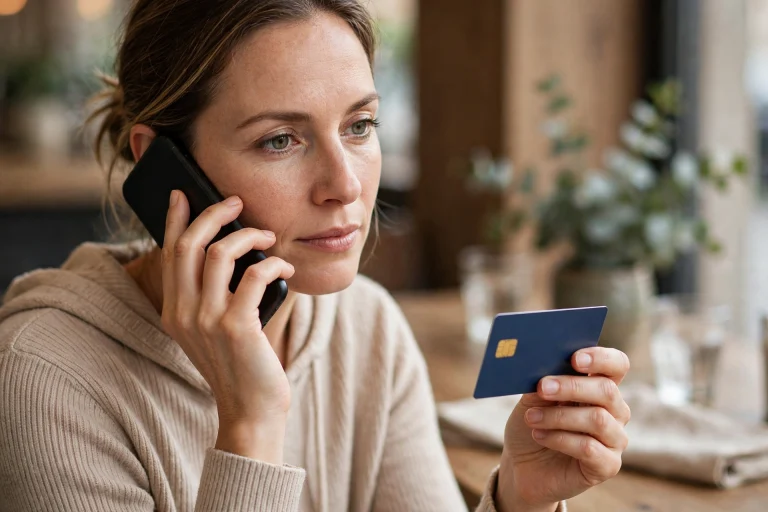
The phone route works without internet, a password, or an app, and it suits anyone who just wants a quick figure.
Turn your EBT card over and call the toll-free customer service number printed on the back.
That number belongs to the state that issued your card, so it is the surest number to trust.
The automated system usually asks for your card number and PIN, then reads your current balance aloud.
If you do not have your card handy, the USDA SNAP State Directory of Resources points you to your state’s agency page.
From there, follow the agency’s own link to its card service, rather than trusting a number from a search advert.
Three state numbers were re-verified on official state pages for this guide, and they are listed in the table below.
Every other state’s number should come from the back of your card or your state agency, not from this page.
| State | Official Card Service Number Verified October 29, 2026 |
|---|---|
| California (CalFresh / CalWORKs) | (877) 328-9677 — CDSS EBT Customer Service Helpline |
| Florida (Food Assistance) | 1-888-356-3281 — Florida DCF EBT customer service |
| Mississippi | 1-866-512-5087 — MDHS EBT Cardholder Assistance, 24 hours a day, 7 days a week |
For general SNAP questions, rather than a card balance, USDA FNS also lists a toll-free line at 1-800-221-5689.
Check Your Balance Online
An online cardholder portal gives you more detail than a phone call, because you can see the transactions behind the balance.
In California, the portal is the ebtEDGE cardholder site, reached through the address your state agency publishes.
The Mississippi agency describes the same idea in simpler terms: call cardholder services, or check a balance at a store terminal.
Your own state’s portal may have a different name, and that is normal, because each state runs its own system.
Sign in only on the address your state agency publishes, and check that address before you type anything.
Your state agency will never text or call asking for your card number and PIN, as California’s agency warns plainly.
Check Your Balance From A Receipt Or At The Store
Your last receipt is the simplest balance check of all, and it needs no phone call, app, or password.
After a purchase, the remaining balance is printed on the receipt, usually near the bottom of the slip.
Keep that receipt until your next shop, so you always know roughly what is left before you reach the till.
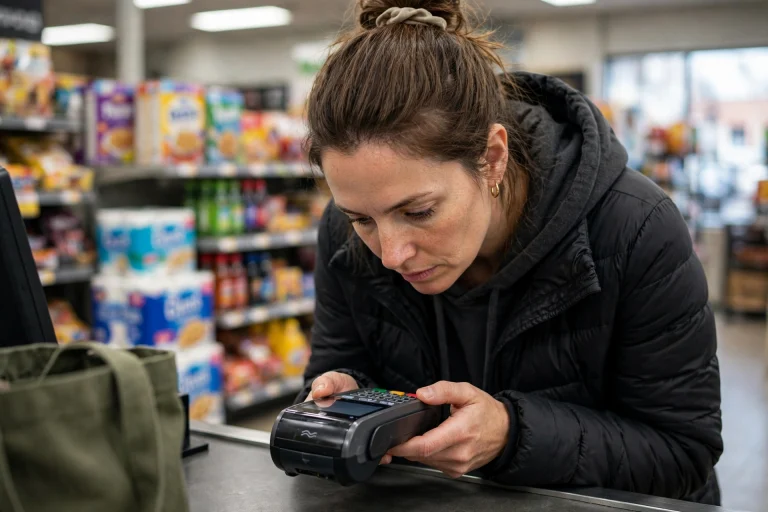
At the store, you can also ask for a balance-only check at the checkout terminal, without buying anything.
That check tells you what is available right now, which helps you avoid a declined payment at the till.
Food benefits work differently: they can be spent only on eligible food at authorized retailers, not taken out as cash.
If a purchase is larger than your balance, the payment will be refused for the shortfall, as Mississippi’s guide explains.
You can then pay the difference another way and re-enter the purchase, rather than guessing at the till.
What Your Balance Shows — And What It Does Not Show
Your balance is a snapshot of what is left to spend at this moment, after every posted purchase and deposit.
It does not show your full monthly award, because money you have already spent has already come off.
It also does not show a deposit that is still pending, or a benefit amount that your caseworker has not yet issued.
If you receive both food and cash help, the two amounts sit in separate balances, and they must not be mixed up.
Food money buys eligible groceries at authorized stores and farmers markets, while cash help follows your state’s cash rules.
To see when your next deposit should arrive, read our guide to when SNAP benefits land on your card.
To check the dates for your state, see the full SNAP payment dates hub.
How Long Benefits Stay On The Card
Benefits do not stay on a card forever if you never use them, but the limit depends on your state.
Mississippi’s agency warns that benefits are removed after 274 days of inactivity, and then cannot be recovered.
Other states set their own inactivity limits, so do not assume Mississippi’s figure applies where you live.
Your approval notice or your state agency’s card guide states the rule that applies to your own account.
Keeping Your Card Safe
Never write your PIN on the card, keep it with the card, or share it with anyone who asks.
No genuine agency worker, helper, or support message needs your PIN, and no official app charges to show a balance.
Where your state’s app offers a freeze control, use it the moment you suspect the card is lost or misused.
If your card is lost, stolen, or damaged, call the number on the back of the card, or your state’s card line, at once.
To learn what to do while a case is still being decided, see our guide to checking the status of a SNAP application.
To estimate what a household may receive, try the free SNAP benefit calculator.
Mistakes And Troubleshooting
Work through this list before you worry that money has gone missing:
- Checking the wrong balance. Food and cash help sit apart, so make sure you are reading the food figure.
- Counting a pending deposit. A deposit that has not posted yet is not available to spend, even if you can see it listed.
- Shopping on the wrong date. If your deposit day has not arrived, the new money will not be there yet, however often you check.
- Forgetting a purchase. Check transaction history before assuming a charge is wrong, because a forgotten shop is common.
- Typing the wrong PIN. Mississippi’s guide warns that after a wrong entry you get three more tries that day, then the card locks.
- Using a lookalike app. Only the app your state agency names is official; delete any copy that charges a fee or asks for payment.
- Sharing a PIN or code. No agency asks for these by text or call, so treat any such request as a scam attempt.
If your balance still looks wrong after those checks, call your state’s card service and ask about the transactions.
Note the date, store, and amount of anything you dispute, because that detail speeds up the investigation.
Card lines handle the card itself, while eligibility, amounts, and deposit dates belong to the agency that runs your case.
Frequently Asked Questions
How do I check my EBT balance without an app?
Call the toll-free number on the back of your EBT card, or read the balance printed on your last store receipt.
What is the number on the back of my EBT card for?
It reaches your own state’s EBT card service, which can read your balance, help with a PIN, and report a lost or stolen card.
Can I check my EBT balance online?
Yes, through your state’s official cardholder portal or benefits portal, such as ebtEDGE in California, using the address your state agency publishes.
Why does my balance look lower than my monthly benefit amount?
Your balance shows what is left after spending, so it falls as you shop and only rises again when the next monthly deposit posts.
What should I do if my deposit has not arrived?
First confirm your deposit date, then check transaction history for a pending item, then call your state agency if the date has passed.
Is this guide the official EBT website?
No. This is an unofficial guide. We explain the official routes and link to official sources, but we never collect card numbers or PINs.
Benefit Calendar USA is an unofficial help site. It is not affiliated with USDA, SNAP or any state agency.